Fonts
TrueType fonts scale to large, readable characters and scroll smoothly. Unicode fonts are supported on suitable operating systems, including Arabic, Chinese, Japanese and Hindi.

A networkable prompting package for Windows 7, 8 and 10, developed by Portaprompt. It runs on the standard video card in your PC, so no special graphics card is needed.
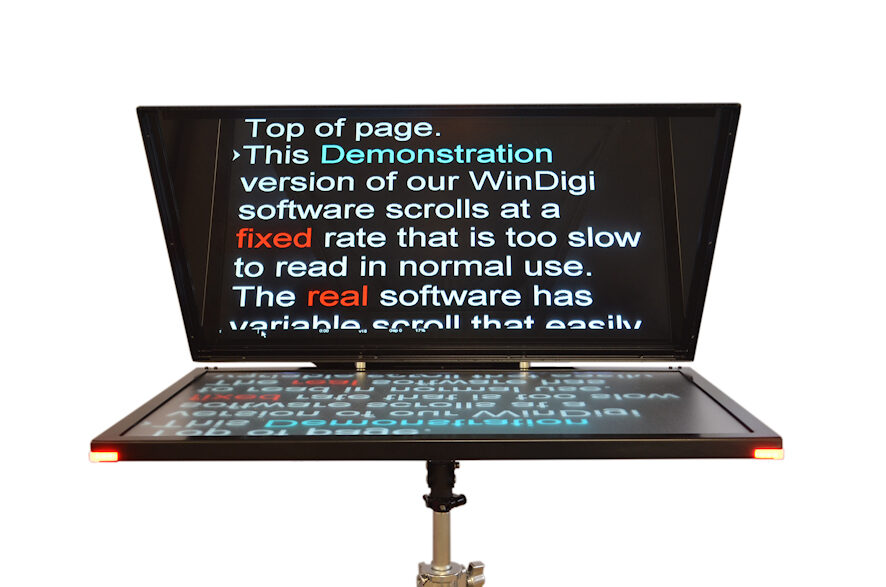
TrueType fonts scale to large, readable characters and scroll smoothly. Unicode fonts are supported on suitable operating systems, including Arabic, Chinese, Japanese and Hindi.
Rich Text Format, so it works with standard word processors. Bold, underline, italics, colour, centring, indenting, inversion, justification and bullet points.
Instant restart to the top of a script or story, adjustable margins and indents, and an adjustable eye line.
Insert stories quickly. Programme and story run times update from the presenter's actual speaking speed, with a time-to-air clock and programmable alarm warnings.
Full page, WYSIWYG and Script Format styles.
Wired and wireless mouse, hand and foot controllers for variable-speed scrolling.
WinDigi works with ENPS newsroom systems via the MOS protocol and with the Avid iNEWS FTP system, so the newsroom computer can control stories and the running order. A full or hybrid IP workflow is possible with the WinDigi IP suite. Portaprompt has also announced full compatibility between WinDigi and Ross' Inception newsroom system.
Network-attached prompting screens and Android and iOS applets are controlled over IP, over an in-house network or the public internet. IP replaces the usual video connection to the display, and other functions stay the same.
| Version | What you get |
|---|---|
| Lite | Basic prompting, mouse-only control, basic editing, no printing |
| Lite Plus | Adds dedicated wired or wireless hand/foot control, printing and extended editing |
| Full | All features. Required for Newsroom Operations |
Lite and Lite Plus can be upgraded.
No. WinDigi runs on the standard video card in your PC.
The Full version.
Sales: +44 (0)1494 450414.